network route control for Windows

Your network.
Your rules.

RageTun controls how apps, sites and home devices use the regular connection, corporate network and profiles you add. Everything works together without constant manual switching.

Explore features
Windows 10/11No account or cardSettings stay local
A desktop workspace with separate routes for different tasks
Home network stays availableWork resources keep their routeStatus is visible on one screen
one system instead of manual switching

Manage your connections as one system

RageTun does not provide a separate network or replace your configured connections. It applies your rules to the channels already available in Windows.

01

Home and work networks at the same time

Work resources use the Windows corporate connection while your router, printers, NAS and regular internet remain directly reachable.

  • Automatic work-route discovery
  • Home devices remain visible
  • Windows keeps control of the corporate connection
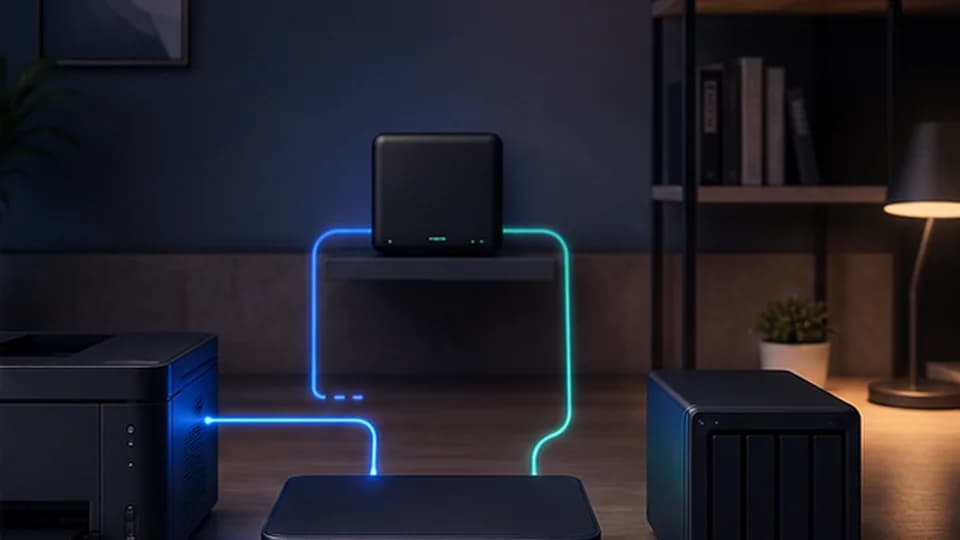
Remote-work scenario
Home and work networks at the same time
02

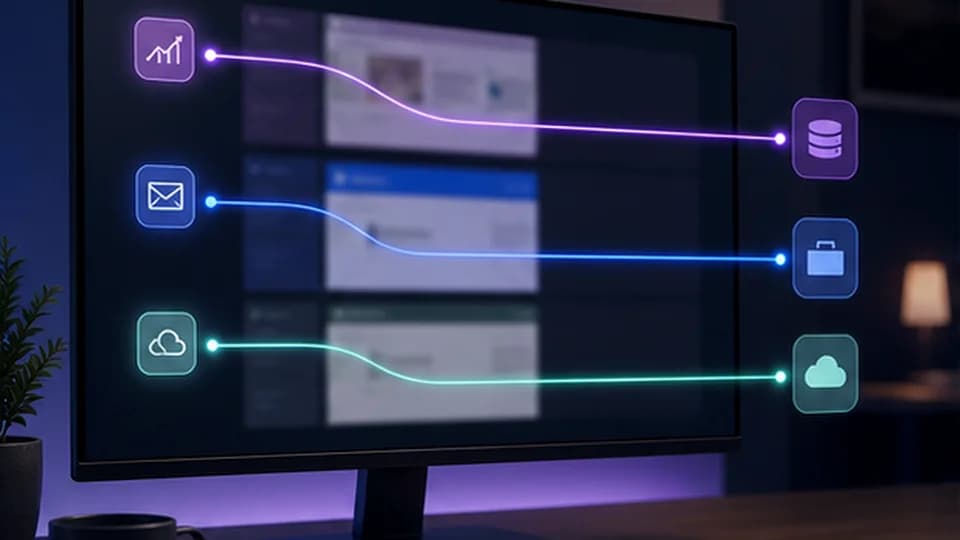
Different apps, different rules

Assign separate routes to apps, domains and IPs. Unselected traffic continues to use the base layout.

  • Rules by app, domain and IP
  • Unselected traffic keeps the base layout
  • Every change is visible in the interface
Explore routing guides
Different apps, different rules
03

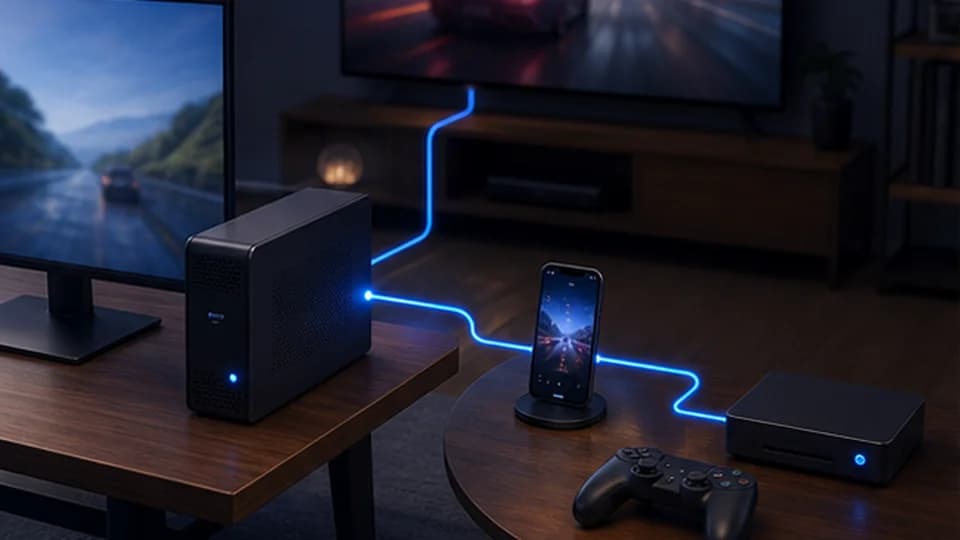
Phone, TV and console through this computer

Home devices can use RageTun routing without a separate client. Network parameters and diagnostics are shown in the application.

  • One control point for the home
  • Devices stay on the local network
  • Guided setup inside RageTun
Device setup guide
Phone, TV and console through this computer
04

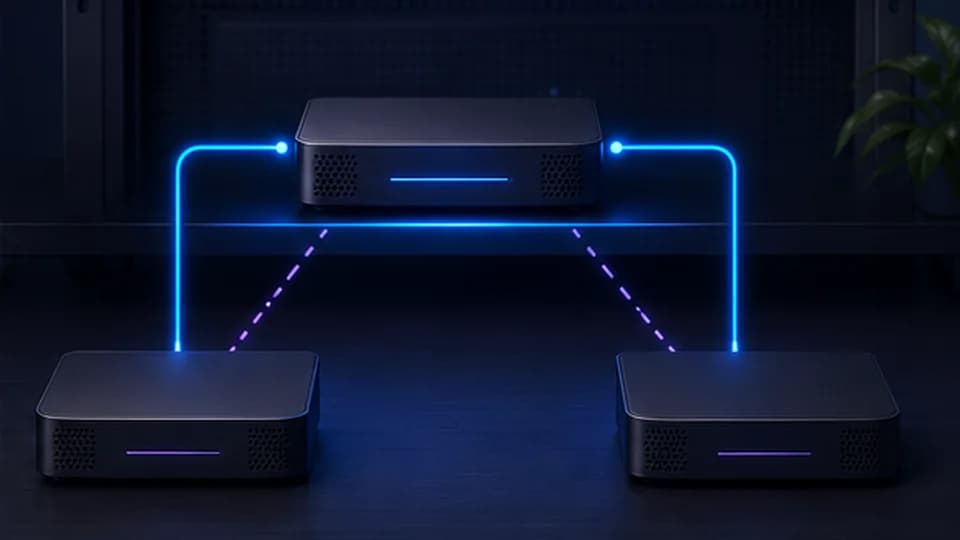
Automatic connection reserve

If an active connection stops responding, RageTun checks the selected reserve and switches only after a confirmed failure.

  • Checks in a separate safe channel
  • Reserve is selected in advance
  • Protection against unnecessary switching
Read network guides
Automatic connection reserve
a clear workflow

Configure it once, then let the rules work

The basic workflow does not require studying route tables. Advanced controls remain available in a separate area.

01

Add connections

Import compatible profiles and specify the Windows corporate connection. Configurations and secrets remain on your computer.

02

Choose a layout

Use the ready-made rules or configure routes for apps, sites and networks.

03

Enable what you need

Smart PC, device sharing and automatic reserve are enabled separately only when they are needed.

Technical details+

For the basic connection RageTun uses standard Windows networking mechanisms. Smart PC and transparent device sharing enable TUN only when ordinary routing is not enough. RageTun does not inspect traffic content or keep browsing history.

Apps, domains and IPsWindows corporate connectionsCompatible network profilesSharing to home devicesReal-time statisticsSigned updates
two clear options

Free gives you a ready layout. Pro adds custom rules and automation.

Pro is enabled automatically for the first 7 days. No registration or payment card is required for the trial.

FREE

Free

Ready-made base layout

F
  • One added connection
  • Ready-made routing rules
  • The home network stays available
  • No account or payment card
0 ₽forever
full control
PRO

Pro

Apps, devices and automation

P
  • Smart PC and per-app rules
  • Custom rules for sites, domains and networks
  • Sharing to phone, TV and console
  • Parallel use with a corporate network
  • Reserve connections and automatic switching
299/ 30 days2,490 ₽ / 365 days
Try it first — 7 days of Pro after installation

Need several computers?

We can arrange licenses for a home or small team and help with transfers between devices.

Discuss on Telegram

Referral program

Your friend receives 40% off the 30-day plan or 20% off the 365-day plan. After payment, you receive 14 or 60 bonus days. The maximum balance is 180 days. Find the code in Settings → “Invite a friend”.

Configure RageTun for your network

The ready-made layout stays free. All Pro features are available for the first 7 days.