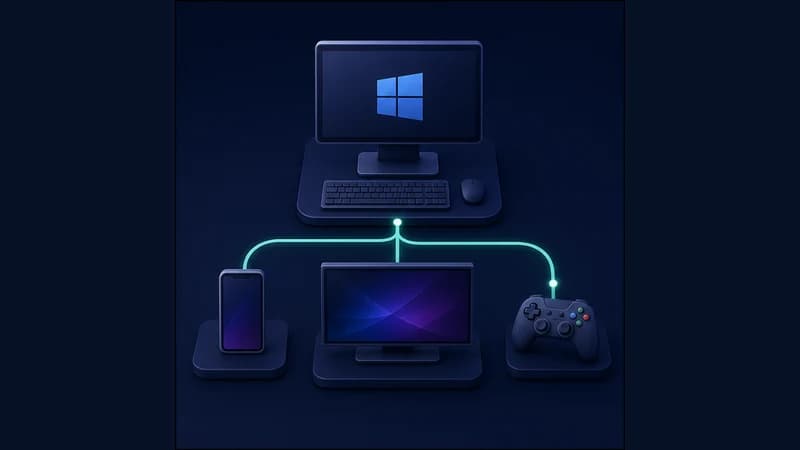
You often cannot install a networking app on a Smart TV, a game console or a set-top box. RageTun lets you configure the route once on your PC and share it with other devices on your home network.
How to enable it
Available on the Pro plan.
1. Open the Sharing section in RageTun.
2. Turn on Enable sharing — RageTun shows your computer's IP on the network.
3. On the TV, console or phone, point to that address in the network settings. The device starts using your PC's routes.
Good to know
Sharing and Smart PC mode don't run together — RageTun shows "Unavailable while Smart PC mode is on". If sharing won't start, turn off Smart PC in the Routing section. Your computer needs to stay on while other devices use sharing.