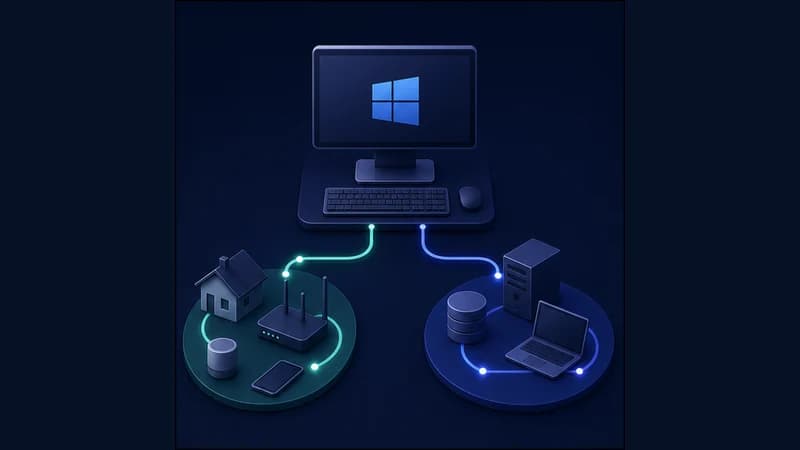
A common problem with a full-tunnel VPN: it sends every app through one route, so the moment you route one thing a certain way, everything else follows — your banking app starts asking for extra confirmation, your search results come from the wrong place, and local sites behave oddly. Turning the tunnel off entirely isn't the answer either.
RageTun lets you send specific apps through a chosen route while everything else keeps your normal connection — at the same time.
How it works
You decide, per app or per domain, which traffic goes where. A media or streaming app can take one route; your bank, local news and search stay direct so they see your normal connection and behave as usual.
Setup
Available on the Pro plan.
1. Open Custom Rules → Domain Rules.
2. Add the apps you want on a separate route and assign them to it.
3. Leave banking and local services on the direct route (default) — they keep your normal connection.
The result
Your media apps take the route you chose, while your bank, local search and regional sites keep working normally. No switching, no compromise.