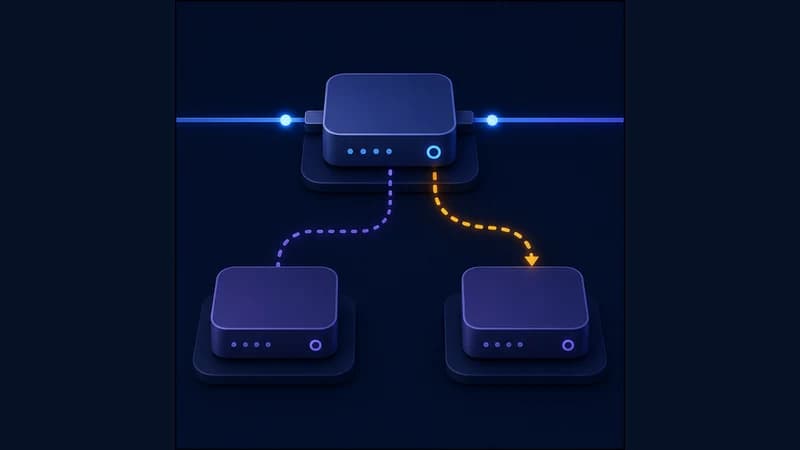
High or spiky ping in online games isn't always your internet's fault. Often it's the route: the path from you to the game server isn't a straight line — it detours through distant traffic-exchange points and congested ISP links. Tools like ExitLag fix this by sending game traffic over an optimized route, so the path gets shorter and steadier. The same idea is available in RageTun through per-app routing.
Why the route affects ping
Ping is the round-trip time of a packet to the server and back. It depends not only on distance but on how many intermediate hops are on the path and how loaded they are. If your ISP's default route to the game server takes a detour, packets get delayed or dropped — that's what causes stutter, freezes and jitter (ping spikes).
A route through a relay with good peering to the game's datacenter can be shorter and smoother. The result is less about "zero ping" and more about fewer dropped packets and a steadier response.
How to set it up in RageTun
1. In the routing section, add a rule for the game's process (or for its servers' domains and IPs).
2. Send that traffic through your channel and leave everything else direct — so the game takes the optimized path while your other apps keep full speed.
3. Measure ping before and after — with the in-game indicator or the tracert command to the server address.
When it helps and when it doesn't
Routing helps when your ISP's default path to the server is poor, congested or very long. If your ISP already has a short, fast route, an extra channel just adds a hop and ping may even go up. Always compare before/after measurements: there's no universal "speed boost" — the gain depends on your ISP and the specific server.
Why per-app routing is better here
Unlike a full tunnel that sends all traffic through one channel, RageTun routes only the game. Voice chat, downloads, your browser and everything else stay on the direct connection — you don't trade overall speed for stable ping in one game. See how per-app rules work in app-based routing vs full-tunnel VPN.